

Getting Started: Your First Game
Brand new to CueVerse? Here's everything you need for your first game, in about a minute.

In this video
- 0:00 Your name, no sign-up
- 0:16 Your first game and Play Now
- 0:28 Aiming and power
- 0:39 8-ball, phones and more guides
Go to cueverse.gg and press Play: you get a name right away, with no sign-up, and it runs right in your browser. A password is optional; add one any time to keep your account on any device. Your first visit takes you straight into a game, and if nobody's around, a robot sits in after twenty seconds. Next time, Play Now in the lobby seats you with someone who's waiting. Then aim, set your power and shoot, and learn the one rule that matters in 8-ball: sink your group, then the 8. On a phone it's drag to aim and pull the Power bar.
Step by step
Your name, no sign-up
New to CueVerse? Here's your first game, in one minute. Go to cueverse.gg. You get a name right away, with no sign-up. A password is optional: add one to keep your account on any device.
Your first game and Play Now
Press Play, and your first visit takes you straight into a game. Nobody around? A robot sits in after twenty seconds. Next time, click Play Now in the lobby. It seats you with someone who's waiting.
Aiming and power
To aim, click the cue stick and drag it around. The line shows which ball you'll hit. For power, hold the right mouse button on the stick and drag back. Let go to shoot.
8-ball, phones and more guides
In eight-ball, sink your group, solids or stripes, then the eight to win. On a phone, drag to aim, and pull the Power bar up to shoot. Spin, the rules and every game mode have their own guides. See you at the table, at cueverse.gg.
More guides
 2:08
CueVerse in 2 Minutes
A two-minute tour of CueVerse: free online pool with real people, right in your browser.
 3:02
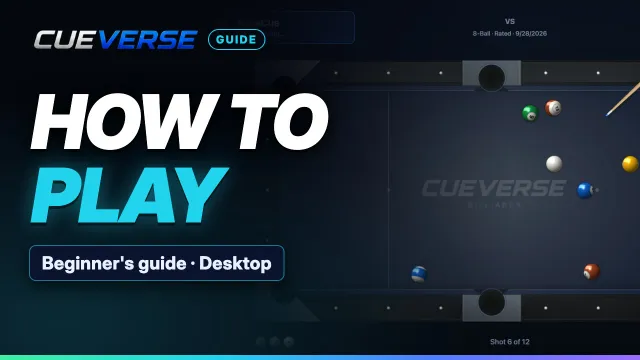
How to Play Pool Online: Beginner's Guide
New to CueVerse? This guide takes you from the lobby to your first win, one step at a time.
 3:06
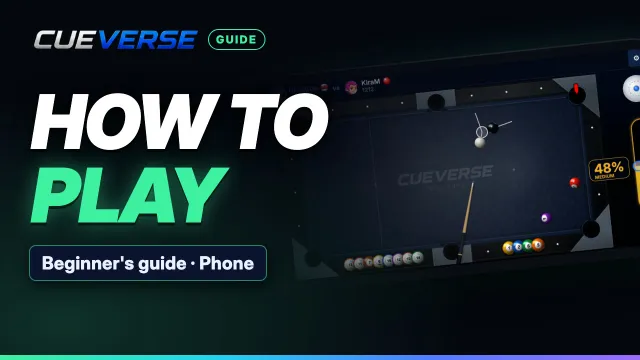
How to Play Pool on Your Phone
Everything you need to play pool on your phone in CueVerse, from the lobby to your first win.