

How to Play Pool Online: Beginner's Guide
New to CueVerse? This guide takes you from the lobby to your first win, one step at a time.
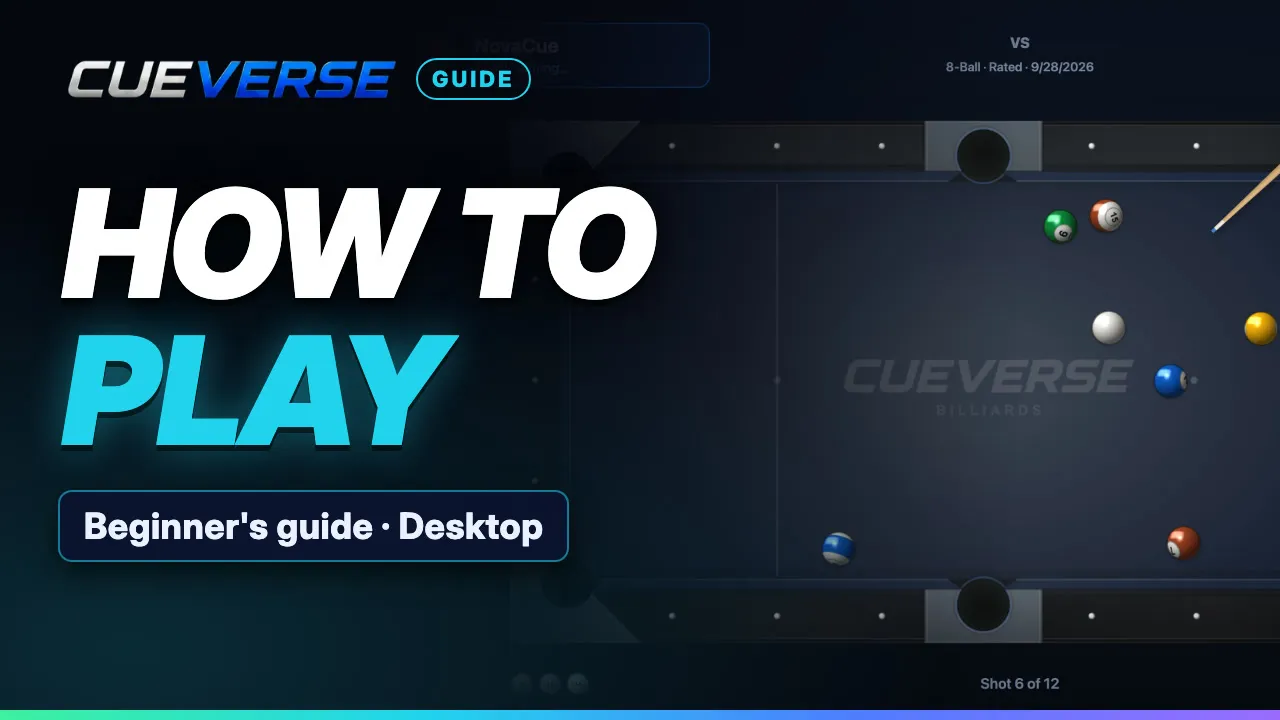
In this video
- 0:00 Welcome and the lobby
- 0:18 Creating a table
- 0:44 At the table
- 0:59 8-ball rules explained
- 1:35 Aiming
- 1:46 Spin, power and shooting
- 2:07 Fouls and ball in hand
- 2:28 Winning on the 8
- 2:51 More guides
You'll learn how to join a game or let Play Now find you a seat, and how to create your own table: 8-Ball, 9-Ball or 10-Ball, solo practice, rated or casual, aim help, a shot timer and game modes. Then the 8-ball rules: solids, stripes, the break, fouls, ball in hand, and calling your pocket on the 8. Plus every control: aiming, spin, power and shooting.
Prefer reading? The full rules, written out →
Step by step
Welcome and the lobby
Welcome to CueVerse, free online pool. This is the lobby: the tables, the players on the right, and the chat below. Click Watch to look on, or Join to take the open seat. Or click Play Now, and it finds you a seat.
Creating a table
To host your own game, click Create Table. Pick eight-ball, nine-ball or ten-ball, or practice on your own. Then choose one-on-one or teams, rated or casual, how much aim help, and a shot timer. The defaults are fine. Eight-ball also has game modes that change the rules. They get their own guide. We'll stick with Standard. Click Start, then Sit to take your seat.
At the table
Both players are along the top. The arrow points at whoever's turn it is. Spin and Power are on the right. When someone joins, you both click Start Game. No one around? Pick Easy, click Play Robot, then Start Game.
8-ball rules explained
In eight-ball, you only ever hit the white cue ball, and use it to knock the others into the pockets. Seven solids, one colour each, numbered one to seven. Seven stripes, numbered nine to fifteen. And the black eight, which you sink last. One player gets the solids, the other the stripes. That's your group. The first shot is the break. After it, the table is usually still open: nobody has a group yet. The next ball that drops decides. Sink a stripe, and stripes are yours. Your group then shows next to your name. Sink one of yours and you shoot again. Miss, and it's their turn.
Aiming
To aim, click the cue stick and drag it around. The guide line shows which ball you'll hit. Right-click a ball to aim straight at it. The left and right arrow keys fine-tune your aim.
Spin, power and shooting
For spin, drag the dot on the Spin ball to where the stick should hit. Low spin pulls the cue ball back. High spin makes it roll on. Side spin changes how it bounces off the cushion. It doesn't curve. For power, hold the right mouse button on the stick and drag back. The further you pull, the harder you hit. Let go to shoot.
Fouls and ball in hand
There are three fouls to avoid. One: the cue ball drops into a pocket. That's a scratch. Two: it doesn't touch any ball. Three: it hits the wrong ball first. One of theirs, or the eight too early. After a foul, your opponent gets ball in hand: they can drag the cue ball anywhere.
Winning on the 8
Once all seven of yours are down, it's time for the eight. First, call a pocket. The red arrow starts on the top middle; click the pocket you're aiming for. Sink the eight there to win. You lose if the eight drops too early, in another pocket, or on a foul. Sink the eight on the break? Nobody loses; the balls are racked again.
More guides
More guides cover spin, nine-ball, ten-ball and game modes. Play free at cueverse.gg.
More guides
 2:08
CueVerse in 2 Minutes
A two-minute tour of CueVerse: free online pool with real people, right in your browser.
 1:00
Getting Started: Your First Game
Brand new to CueVerse? Here's everything you need for your first game, in about a minute.
 3:06
How to Play Pool on Your Phone
Everything you need to play pool on your phone in CueVerse, from the lobby to your first win.