

Chat, Voice Chat and Friends
Pool is better with people. Here's how to talk, chat and make friends in CueVerse.
In this video
- 0:00 Chat, emoticons and reactions
- 0:25 Quick chat and voice chat
- 0:49 Friends, messages and invites
- 1:08 Player cards and profiles
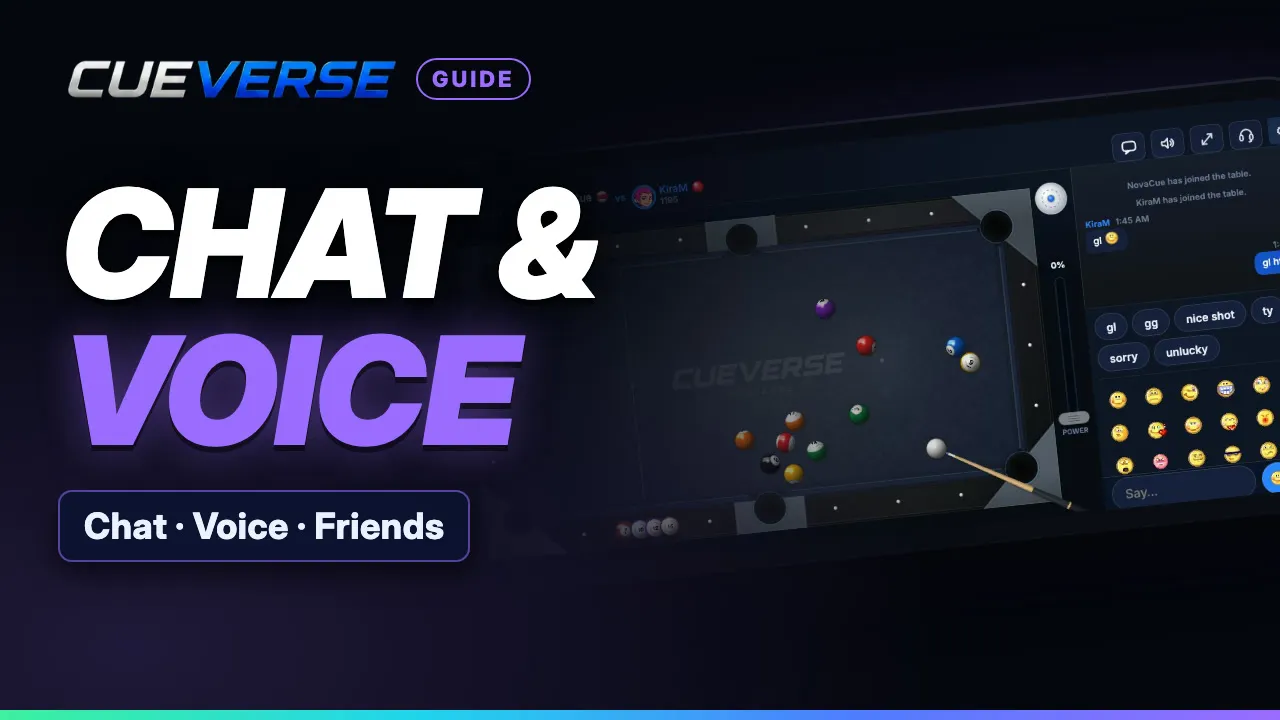
Type in the lobby's Say box, add any of over a hundred animated emoticons, and chat at every table. At a table, hover over a chat line and react to it with an emoji. On a phone, quick chat sends gl, gg or nice shot in one tap. Click the headset to join voice chat with everyone at the table, and mute yourself with the mic button.
Add a friend right from their name: they get a card to accept, and friends are marked in every list. Your inbox holds friends and messages that wait for you when you're offline. Want friends at your table? Press Invite and copy a link you can send to anyone. A double-click on any name in the player list opens their rating, record and full profile.
Step by step
Chat, emoticons and reactions
Here's how to chat, talk, and make friends in CueVerse. In the lobby, type in the Say box to chat with the whole room. Click the smiley for over a hundred animated emoticons. Every table has its own chat, right under the felt. At a table, hover over a chat line, and react to it with an emoji.
Quick chat and voice chat
On a phone, the smiley holds quick chat. One tap sends nice shot, or gg. Want to really talk? Click the headset to join voice chat. Everyone on voice at the table hears each other. A green mic shows who's talking. The mic button mutes you. On a phone, the headset sits up top.
Friends, messages and invites
Add a friend right from their name. They get a card to accept. Your inbox holds friends and messages. Add friends, or accept their requests. Messages are saved, so they wait for friends who are offline. Want friends at your table? Press Invite, and copy a link you can send to anyone.
Player cards and profiles
Double-click a name in the player list for their rating and record. Then open their full profile: rating graph, streaks, and head-to-head records. See you at cueverse.gg.
More guides
 1:12
Spin in Pool: Draw, Follow and English
Spin lets you control where the cue ball goes after the hit. This guide shows how to set it on a computer and on a…
 1:11
Practice: Play Now, the Robot and Solo Tables
Want a game right now, or somewhere to practice on your own?
 3:12
Pool Challenges: Puzzles Made by Players
Challenges are pool puzzles made by the CueVerse community: a board, a goal, and a few shots to reach it.