

Practice: Play Now, the Robot and Solo Tables
Want a game right now, or somewhere to practice on your own?
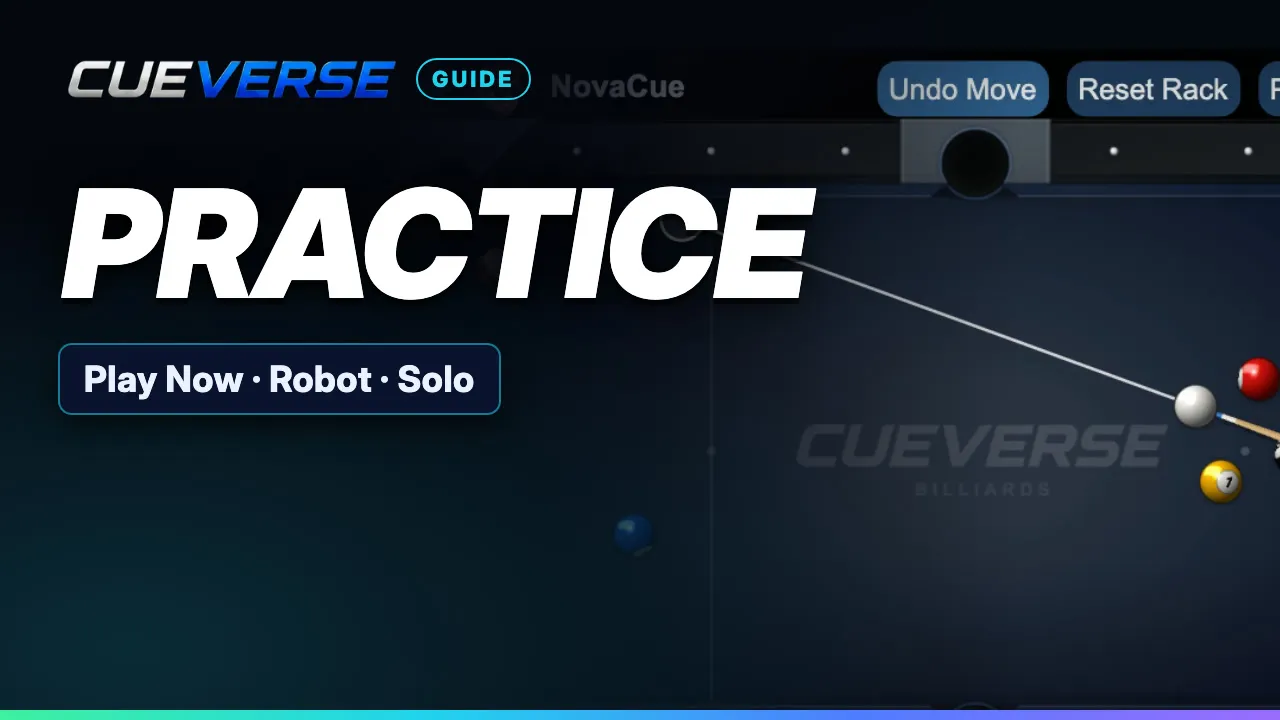
In this video
Play Now seats you with someone who's waiting. If nobody's around, a robot sits in after 20 seconds, or you can keep waiting for a person. You can also play the robot at Easy, Medium or Hard whenever you like. Or practice alone on a solo table: move any ball, shoot any ball, undo a miss, save a layout as a preset, and re-rack to practice your break.
Step by step
Play Now and the robot
Want a game right now, or somewhere to practice on your own? Click Play Now. If someone is waiting at eight-ball or nine-ball, you join their table. Nothing open? You get a fresh eight-ball table. If nobody comes in twenty seconds, a Medium robot sits in, and the game starts. Games against the robot are never rated. Rather play a person? Click keep waiting for a person, and the robot stays away. Sitting alone at a table? Pick a level, click Play Robot, then Start Game. The robot plays eight-ball, nine-ball, ten-ball, and the one-on-one game modes.
Practice tables
To practice alone, click Create Table and switch on Solo practice. It's just you, with no opponent and no clock. Drag any ball where you like, and shoot any ball you want.
Undo, presets and reset
Missed? Undo Move puts every ball back where it was. Presets saves a layout to your account. Apply brings it back any time. And Reset Rack deals a fresh rack, so you can practice your break. Play now, or practice first, at cueverse.gg.
More guides
 1:12
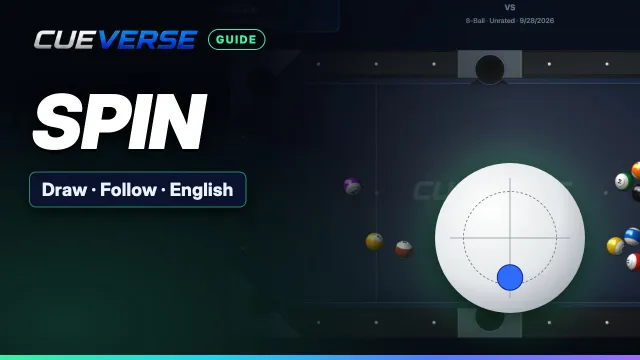
Spin in Pool: Draw, Follow and English
Spin lets you control where the cue ball goes after the hit. This guide shows how to set it on a computer and on a…
 3:12
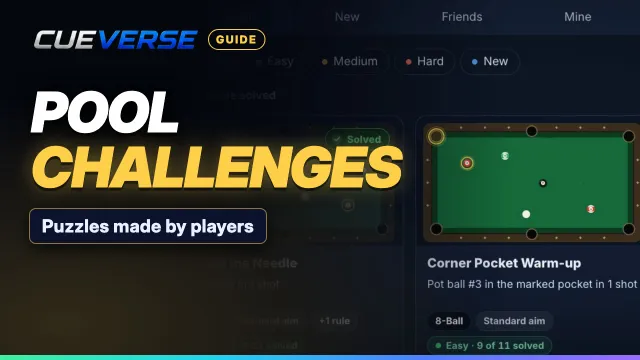
Pool Challenges: Puzzles Made by Players
Challenges are pool puzzles made by the CueVerse community: a board, a goal, and a few shots to reach it.
 1:04
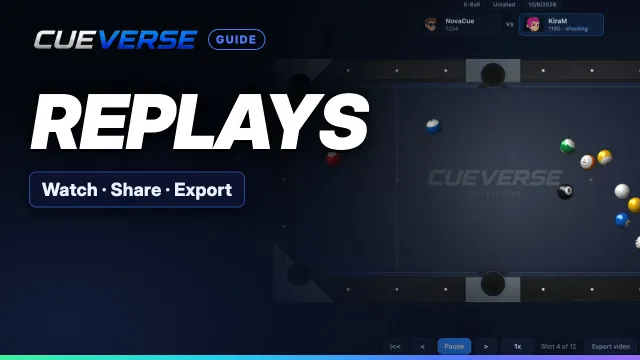
Replays: Watch, Share and Export Your Shots
Every game you finish against another player is saved as a replay, playing back each shot exactly as it happened.