

Replays: Watch, Share and Export Your Shots
Every game you finish against another player is saved as a replay, playing back each shot exactly as it happened.
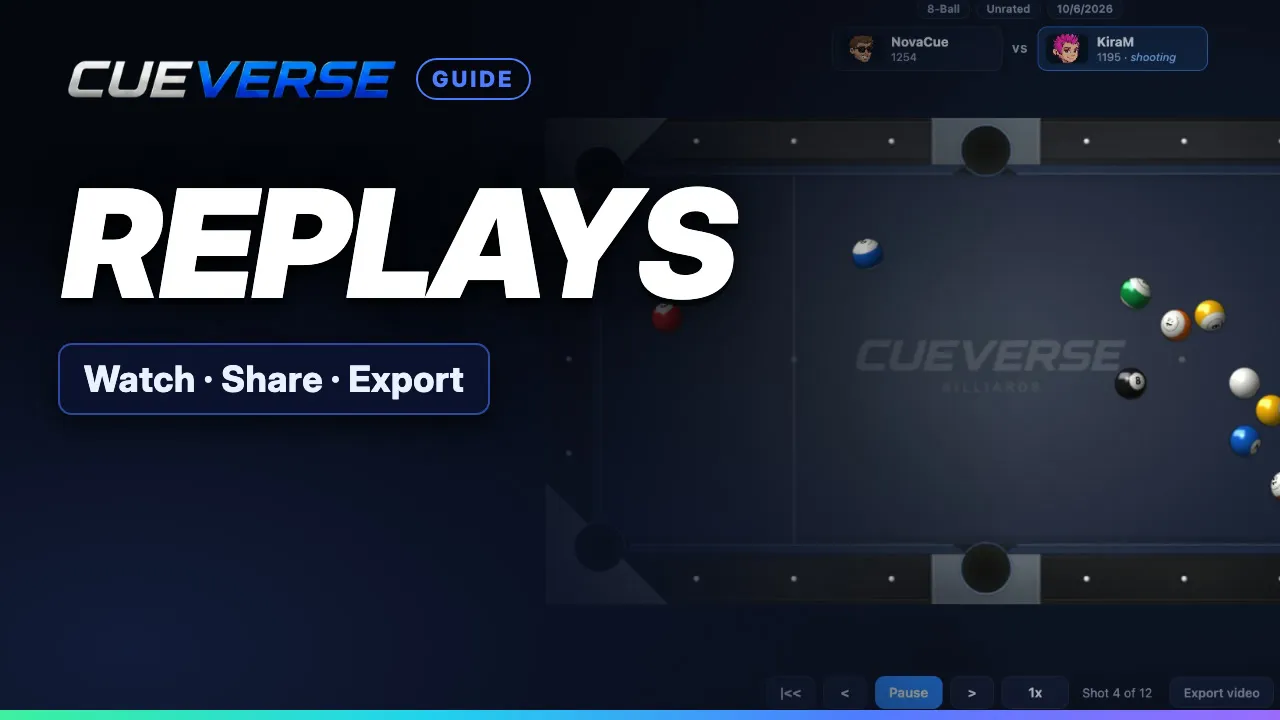
In this video
Find your replays in the lobby or on your profile, jump to any shot, read the shot dots, and speed playback up or slow it right down. Then right-click any shot to copy a link to it (anyone can watch, no account needed), or export the whole game as a video with sound, right in your browser.
Step by step
Finding your replays
Every game you finish against another player is saved as a replay. In the lobby, click Replays, and double-click a game to watch it. Or open your profile's Game History, and click Watch to open the replay page. During a game, click Shots to look back at every shot so far.
The shot strip, dots and speed
Every shot plays back exactly as it happened: the real aim, spin and power. Under the table, click any numbered box to jump to that shot. A green dot is a pot that kept the table. Red is a foul. Amber means a ball dropped, but the turn passed. Speed it up to four times, or slow it right down to a quarter.
Sharing and exporting
Right-click a shot to copy a link to it. Anyone can watch, no account needed. Export video turns the whole game into a video, with sound, right in your browser. Watch it back, and share your best shots, at cueverse.gg.
More guides
 1:12
Spin in Pool: Draw, Follow and English
Spin lets you control where the cue ball goes after the hit. This guide shows how to set it on a computer and on a…
 1:11
Practice: Play Now, the Robot and Solo Tables
Want a game right now, or somewhere to practice on your own?
 3:12
Pool Challenges: Puzzles Made by Players
Challenges are pool puzzles made by the CueVerse community: a board, a goal, and a few shots to reach it.