

Your Profile and Stats
Every CueVerse player has a public profile with their whole career on it. Here's what it shows.
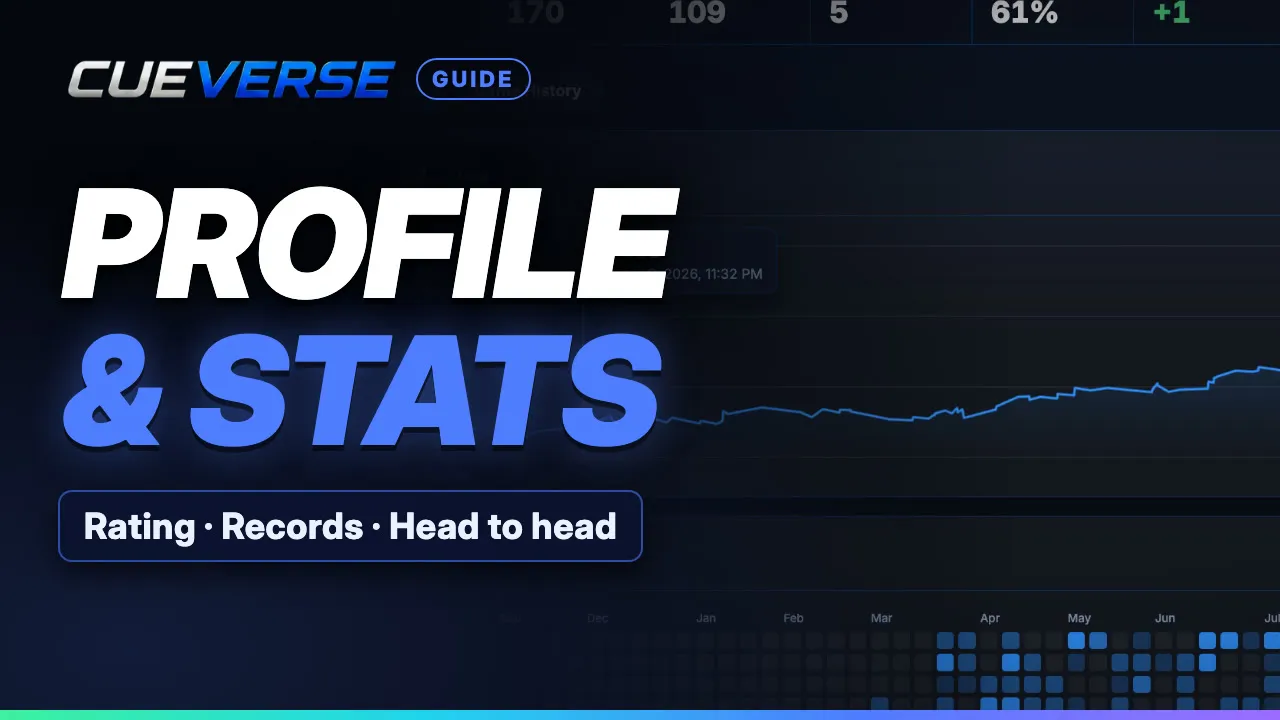
In this video
- 0:00 Opening a profile
- 0:17 Rating, record and graph
- 0:37 Rivals and head to head
- 0:48 Game History, Share and search
Your rating and peak, when you joined and your last ten results. Wins, losses, win rate and your best and worst streaks. A rating graph over recent games, the last month, three months or all time, and an activity calendar for the last year. Your most played opponents with your record against each, and a head-to-head page for every rival with replays of your meetings. Game History filters rated and casual games, Watch replays any of them, Share copies a link to your page, and Find a player looks anyone up by name.
Step by step
Opening a profile
Every player in CueVerse has a profile page, with their whole career on it. To open one, double-click a name in the player list, and click Profile. Your own is under History, in the menu by your name.
Rating, record and graph
Up top: the rating, the peak, when they joined, and their last ten results. Then wins, losses, win rate, and the best and worst streaks. The rating graph covers recent games, the last month, three months, or all time. Point at the line to see the rating on any date. Activity shows every day they played over the last year.
Rivals and head to head
Most played lists their regular opponents, with the record against each. Click head-to-head for every meeting between the two, with replays. By game splits the record for each game and mode.
Game History, Share and search
Game History lists every game, rated or casual. Click Watch to replay one. Share copies a link to the page, and Find a player looks anyone up by name. Start your record at cueverse.gg.
More guides
 1:12
Spin in Pool: Draw, Follow and English
Spin lets you control where the cue ball goes after the hit. This guide shows how to set it on a computer and on a…
 1:11
Practice: Play Now, the Robot and Solo Tables
Want a game right now, or somewhere to practice on your own?
 3:12
Pool Challenges: Puzzles Made by Players
Challenges are pool puzzles made by the CueVerse community: a board, a goal, and a few shots to reach it.