

Table Themes and Settings
Every setting in CueVerse, in two minutes.
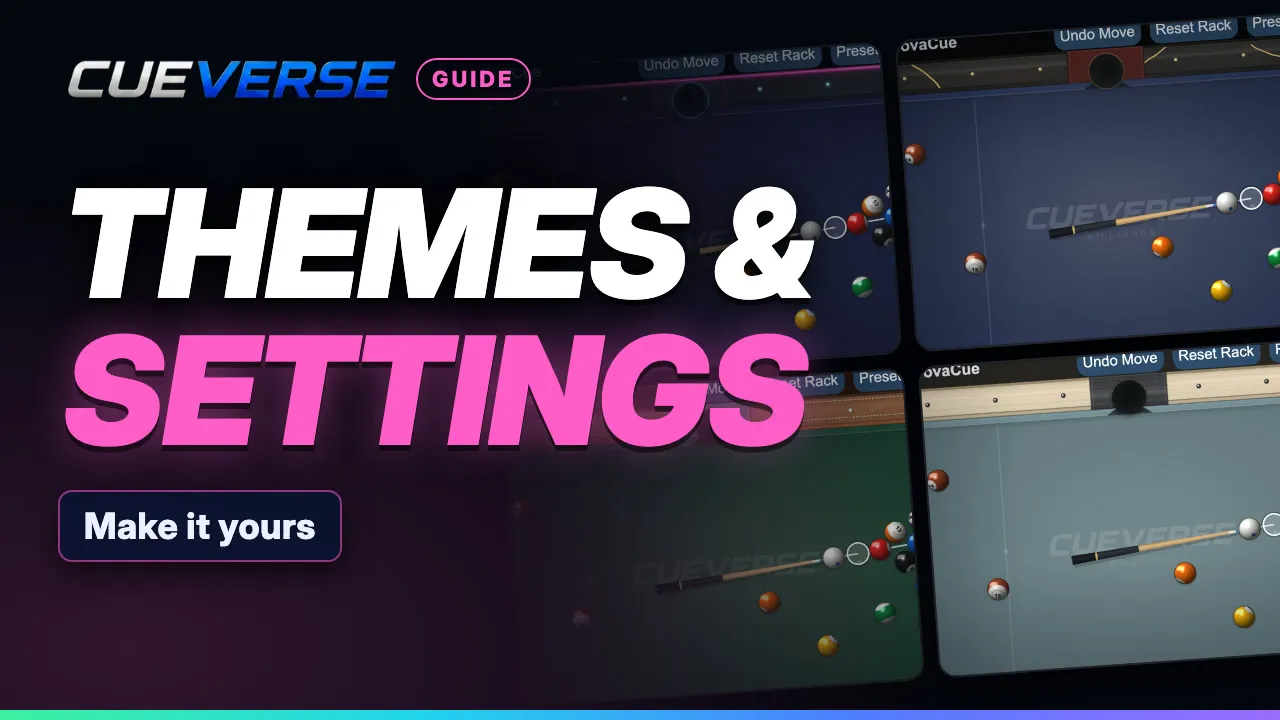
In this video
- 0:00 Intro
- 0:11 Lobby settings
- 0:49 Table themes and cloth
- 1:07 Cloth texture, aim marker and view
- 1:21 Sound and keys
- 1:41 On a phone
In the lobby: your avatar, 15 app themes (light and dark), the Classic or Modern lobby layout, chat and invitation filters, table size, turn alerts, and bigger text up to 150%. At the table: 13 table themes, cloth colours (or mix your own), cloth texture, the aim marker, sound, rebinding your keys, and keyboard cue control. Plus table themes on a phone.
Step by step
Intro
Make CueVerse your own. There are two places to look: Settings in the lobby, and Settings at your table.
Lobby settings
In the lobby, click Settings at the bottom left. Pick your avatar. Choose one of fifteen app themes, light or dark. The whole app changes as you click. Switch the lobby between the Classic list and Modern cards. Get a notice when players join or leave. Filter bad language, decline table invitations, or only take messages from friends. Table size sets how big tables open. Automatic fits your screen. Tables can also open in their own window. Turn alerts tell you when it's your shot, even in another tab. And Text and UI size makes everything bigger, up to one hundred fifty percent.
Table themes and cloth
At a table, click Settings on the left. Drag the window aside to watch the table change. Pick one of thirteen table themes. Then a cloth color, or mix your own with Custom.
Cloth texture, aim marker and view
Turn on Cloth texture to give the felt a woven look. Aim marker changes how the contact point is drawn. Table Zoom grows the whole table when you maximize, and a status bar can show the clock and your ping.
Sound and keys
Set the volume, or turn off the ball sounds and keep the beep for your turn. Any key can be changed: click its box, then press the new key. Keyboard Cue Control tunes how the arrow keys aim. Default puts it back. Now A and D turn the cue, Down adds power, and Space shoots.
On a phone
On a phone, tap the gear, then Table Theme, for the same looks and cloth colors. Your picks are saved, so you set them once. Play free at cueverse.gg.
More guides
 1:12
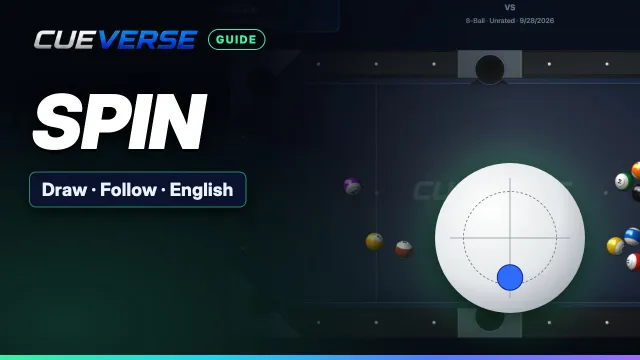
Spin in Pool: Draw, Follow and English
Spin lets you control where the cue ball goes after the hit. This guide shows how to set it on a computer and on a…
 1:11
Practice: Play Now, the Robot and Solo Tables
Want a game right now, or somewhere to practice on your own?
 3:12
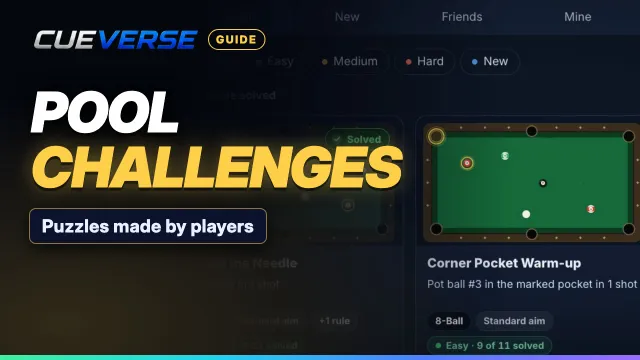
Pool Challenges: Puzzles Made by Players
Challenges are pool puzzles made by the CueVerse community: a board, a goal, and a few shots to reach it.